iSayFlick Admin
Can you believe how much the creator economy is blowing up in 2026? What used to be just a fun side hobby has officially turned into a massive, global industry. Whether you’re posting on TikTok, filming for YouTube, or hosting a podcast, the bar has definitely been raised—great content isn’t just a “nice to have” anymore, it’s what everyone expects to see.
The good thing is that you don’t need a Hollywood budget to stand out. You just need the right gear! In this guide, I’m going to break down the must-have tech and share some practical gear recommendations that you can start using today.
🎥 Camera: Your Content Foundation
Your camera defines your visual quality. While smartphones are powerful, dedicated cameras still offer superior depth, low-light performance, and professional control.
Best options:
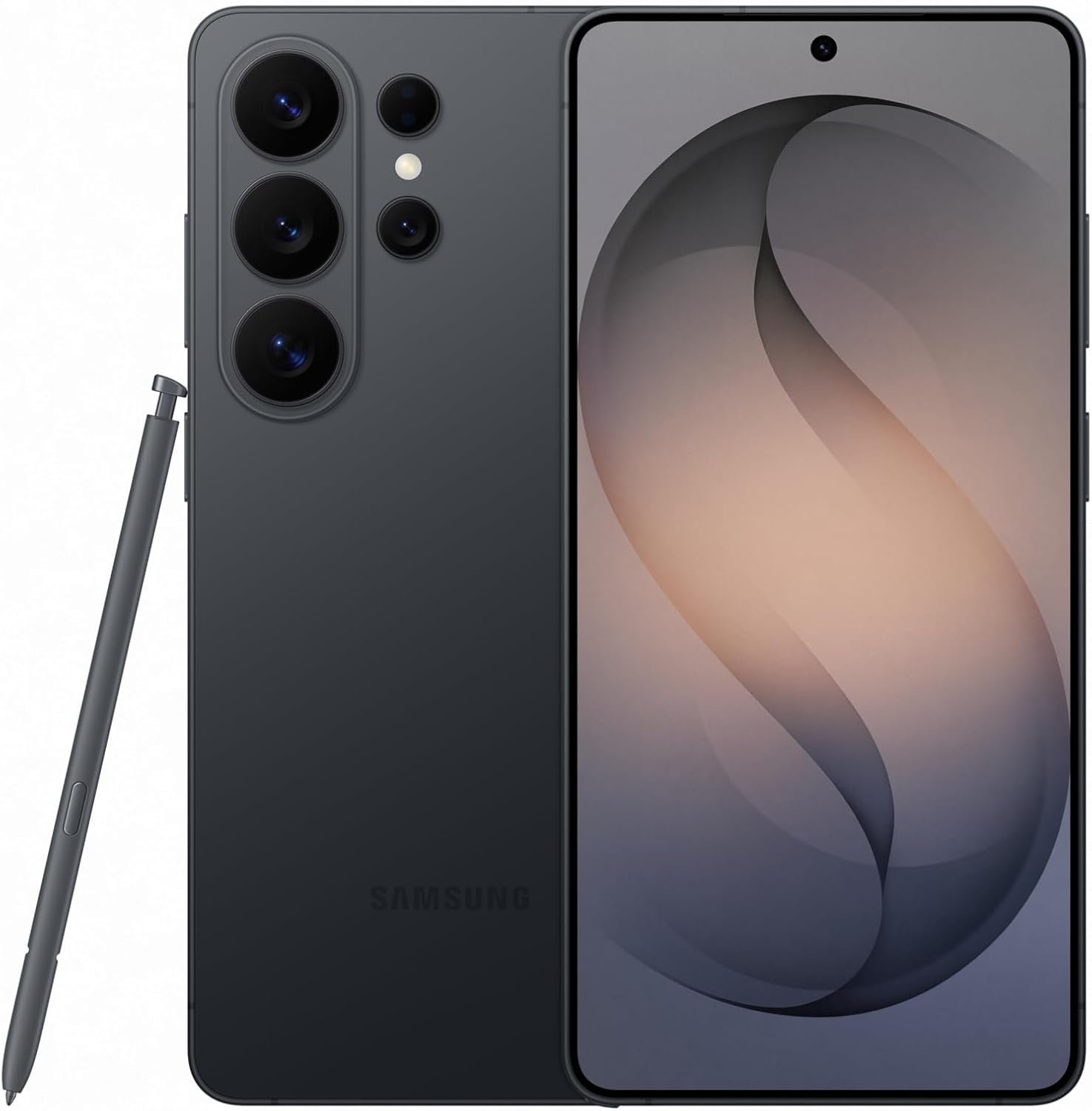
- Beginners: Smartphone (iPhone / flagship Android)
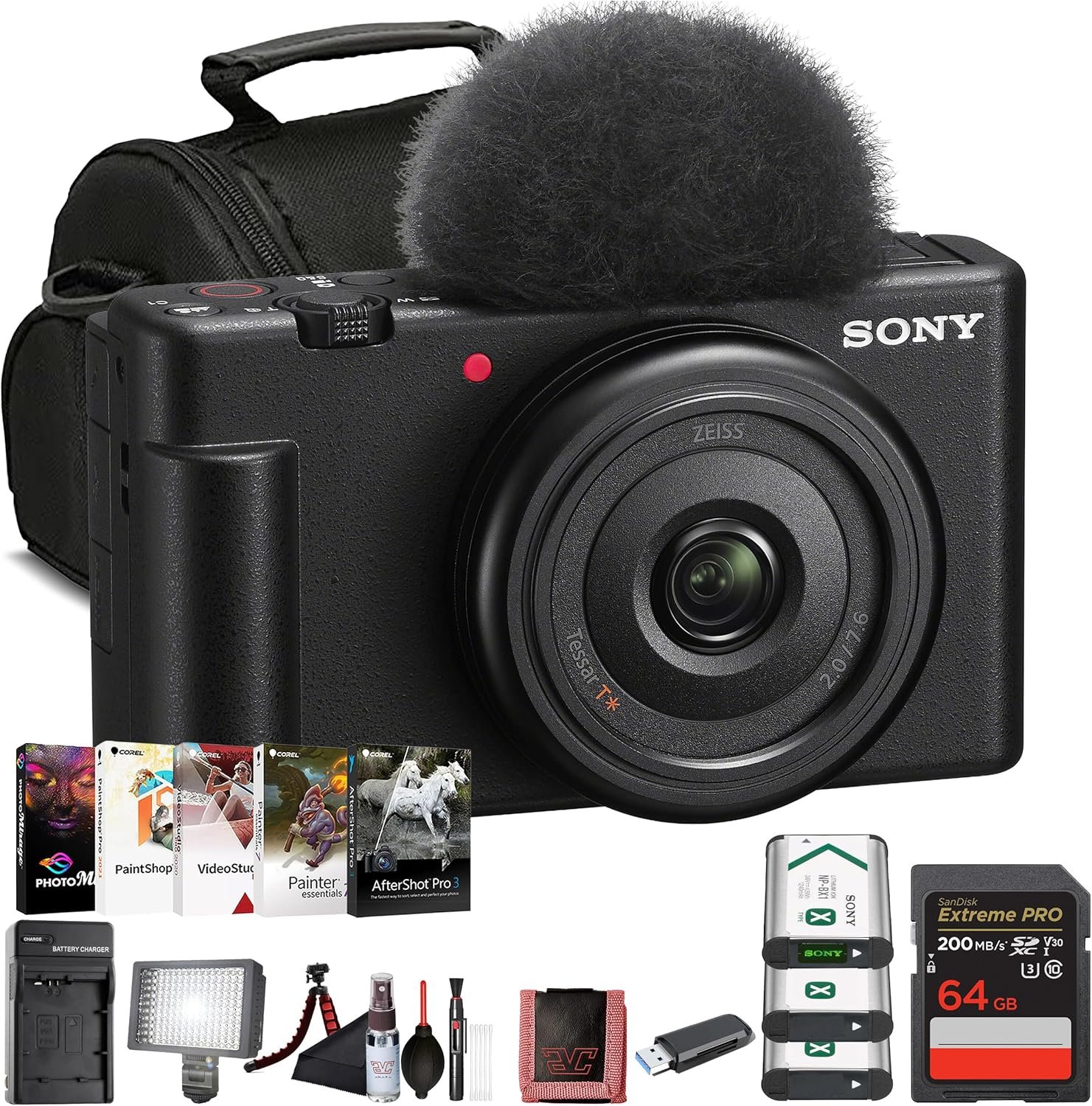
- Intermediate: Mirrorless cameras (Sony ZV series)
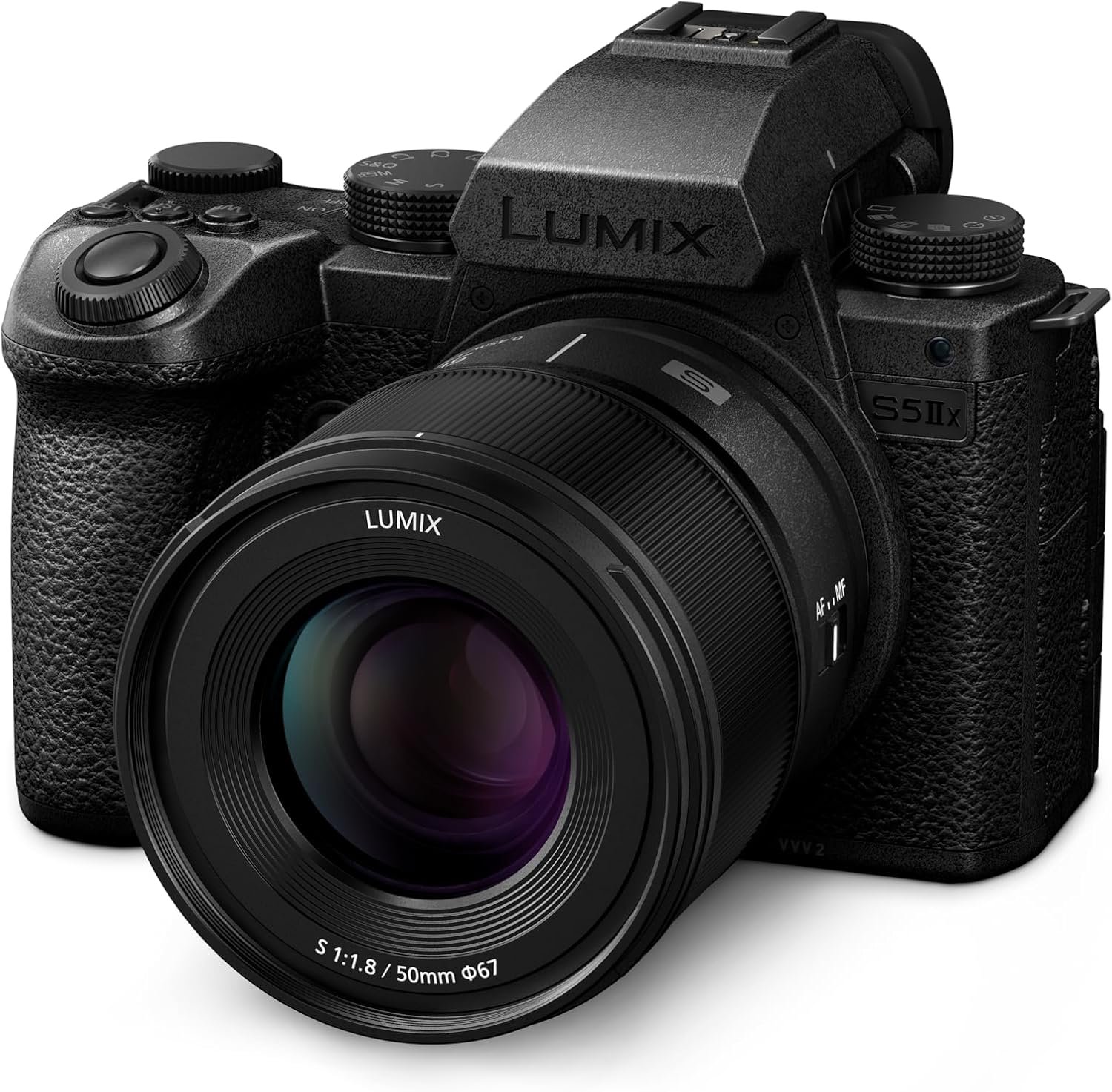
- Advanced: Full-frame cameras
👉 Tip: Start simple—upgrade only when your content demands it.
🎤 Audio: The Most Underrated Upgrade
Bad audio kills good content. Even casual viewers will tolerate average video—but not poor sound.
Recent testing shows wireless mics like DJI and Rode systems dominate for creators due to portability and pro-level clarity.
What to get:
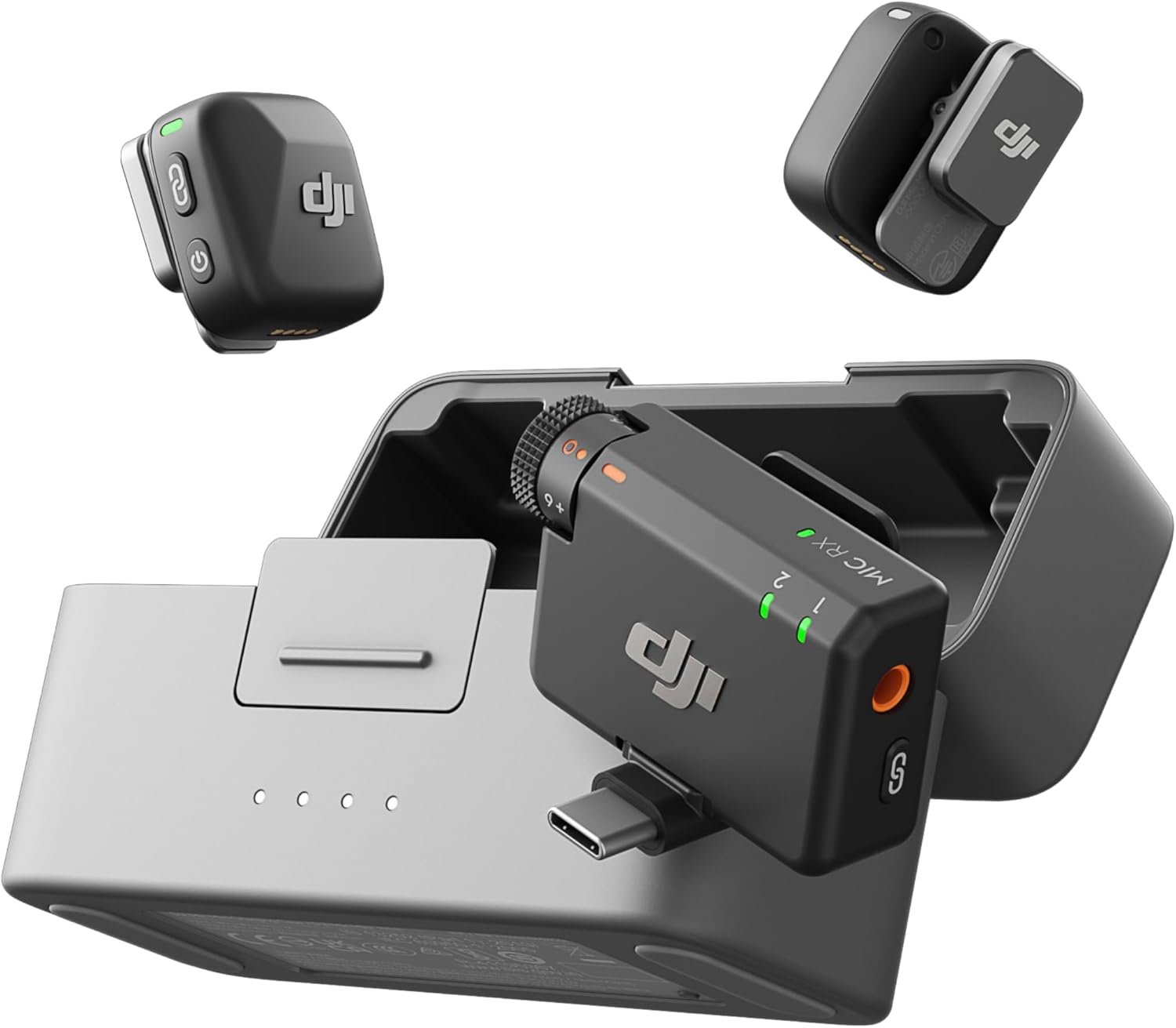
- Lavalier mic (for TikTok/YouTube)
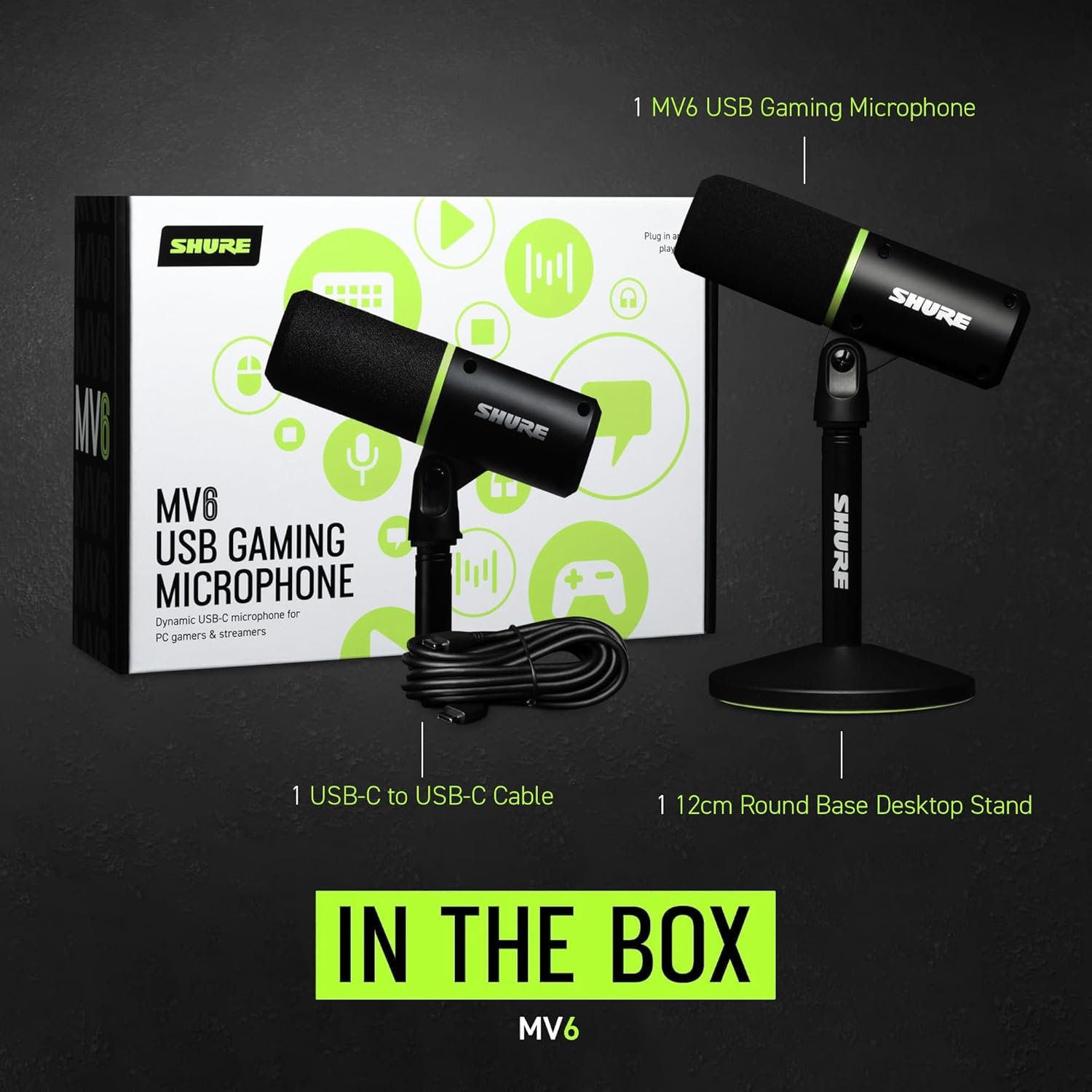
- USB mic (for podcasting)
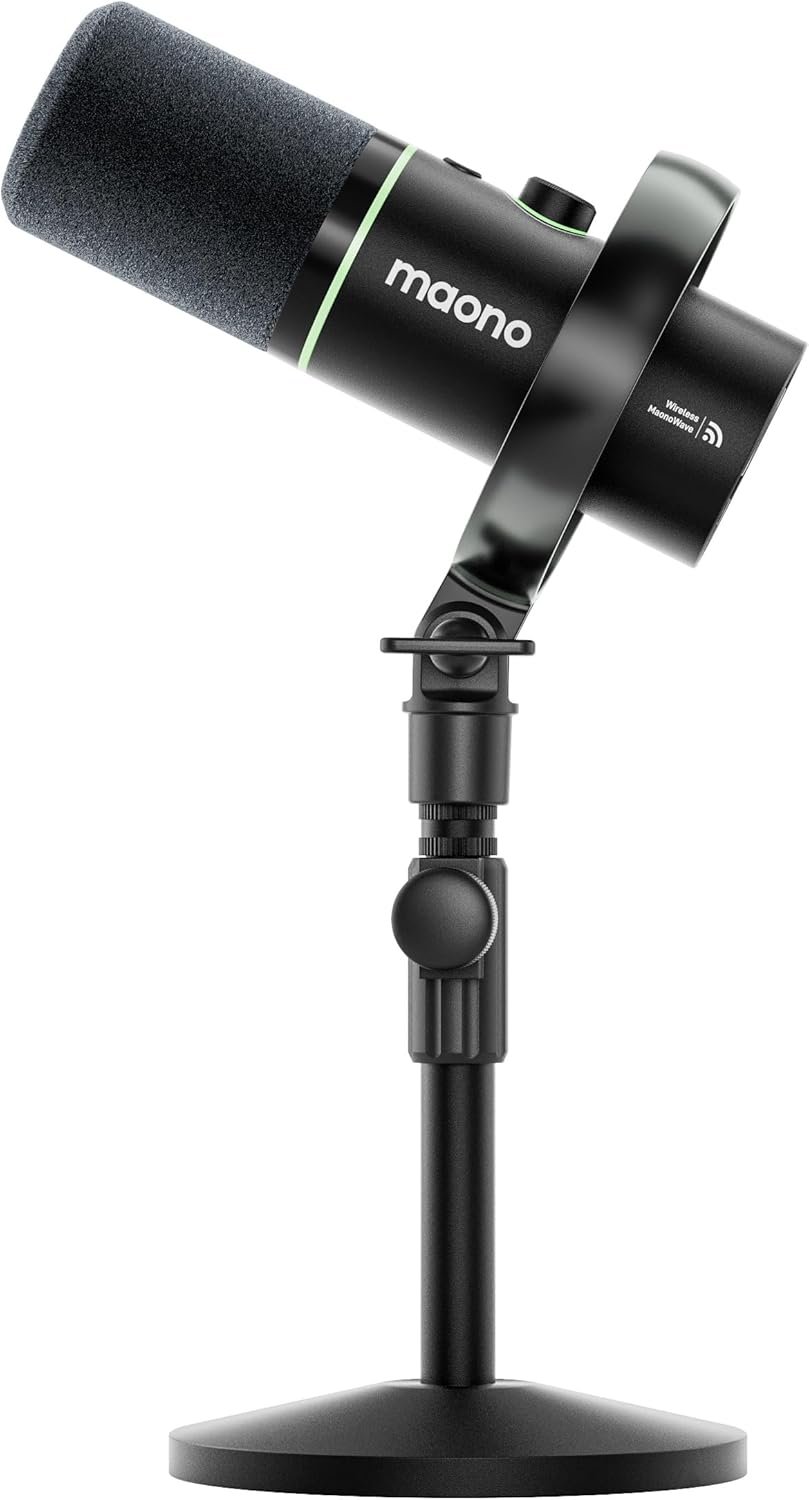
- Wireless mic (for pro setups)
Lavalier mic
#ad #commissionsearned
USB microphone
#ad #commissionsearned
Wireless mic
#ad #commissionsearned
External storage (critical for large video files)
External storage is a non-negotiable part of any serious content creator’s workflow, especially when working with high-resolution video like 4K or even 8K. Raw footage, project files, and exports can quickly consume hundreds of gigabytes, overwhelming internal drives and slowing down your system. A reliable external SSD offers fast read/write speeds for smooth editing, while larger HDDs provide cost-effective long-term storage for archiving finished projects. Using dedicated storage not only improves performance but also protects your work—many creators follow a “backup rule” by keeping multiple copies of their files to avoid data loss.
Check out our latest external storage guide and recommendations to find the best fit for your budget and purpose.
💡 Lighting: The Secret to Professional Content
Lighting is what separates amateurs from professional content instantly.
Recommended Ring Lights
- Size
- Best for
- Brightness
- Price level
- 18-inch
- Pro creators
- Advanced
- High
#ad #commissionsearned
- Compact kit
- Beginners
- Basic
- Low
🖥️ Editing Setup: Where Content Becomes Content
Your editing workflow matters more than most people think.
Essentials:
- Laptop/Desktop (MacBook or high-performance PC)
- Editing software (CapCut, Premiere Pro, Final Cut)
- External storage (critical for large video files)
Storage is especially important—modern creators produce huge amounts of data daily.
🎛️ Creator Tools That Boost Productivity
If you want to scale, these tools make a difference:
-
- Stream Deck (automation for live creators)
- Teleprompter (scripted content without looking away)
- Tripod or gimbal (stable footage)
- Backdrops / RGB lighting (branding & aesthetics)